

I love postcards! I love collecting them, sending them and receiving. But they are hard to find these days. So I bought a kit from Amazon with adhesive templates for making my own postcards.
I’ve been using my own photographs to create a series of Weekend Exploring postcards, which I share each Friday. So I thought it would be fun to use those digital postcards to create actual postcards I can put in the snail mail. I used Epson Ultra Premium Photo Paper, which looks amazing on my Epson Artison 1430 printer.
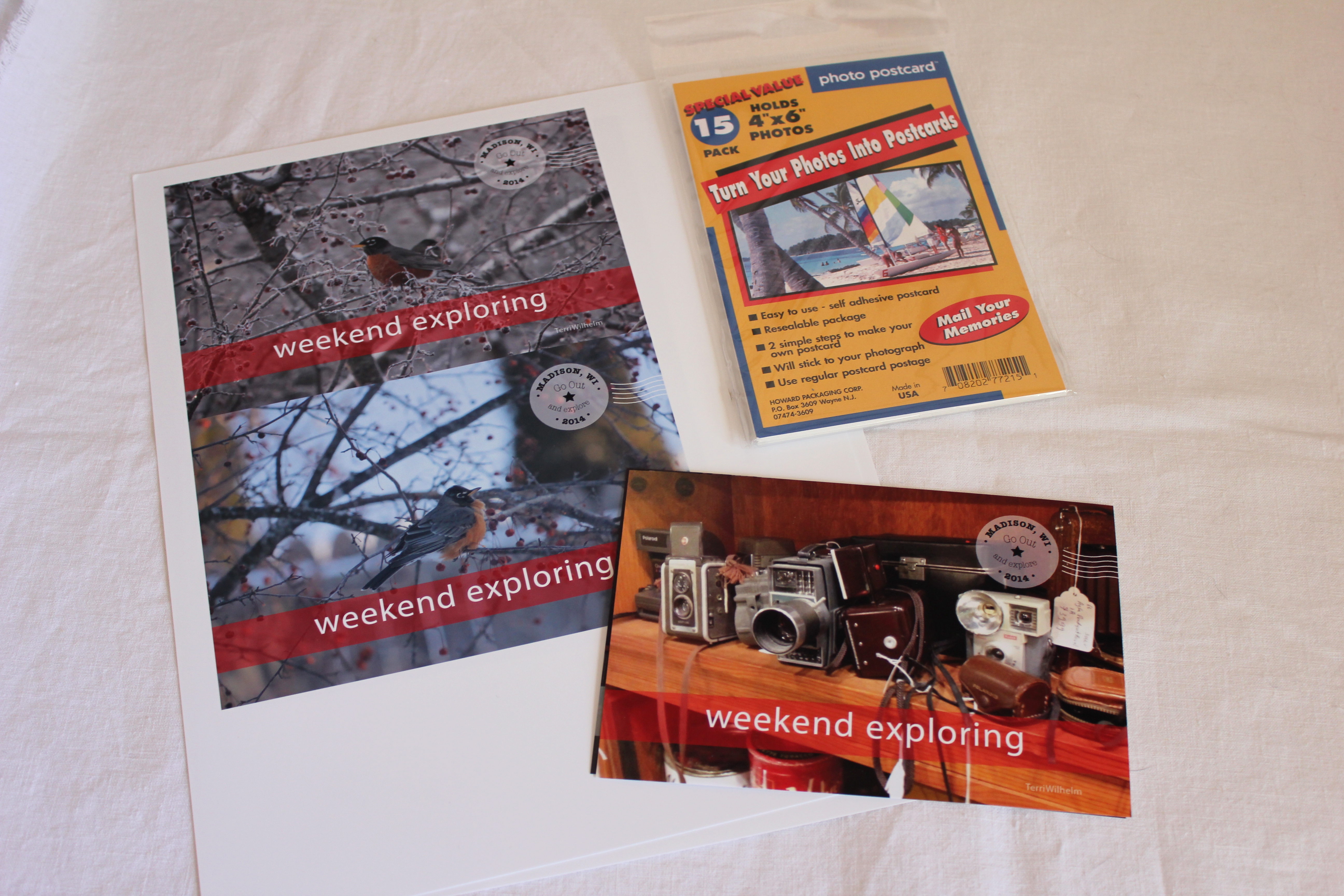
Here’s how to make them yourself:
- Print two postcards per page.
- Trim them to 6″ wide by 4″ high.
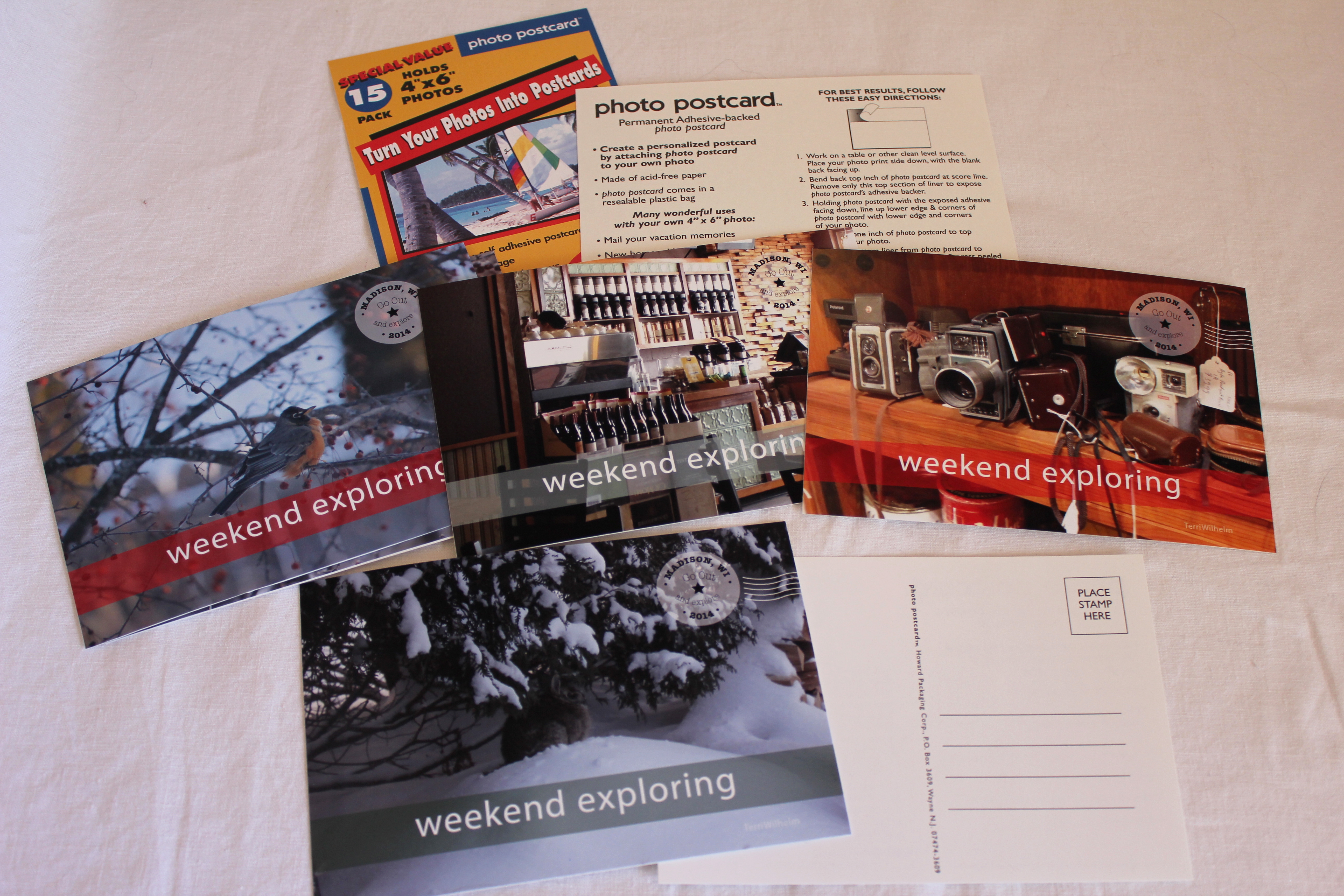
- Peel off the top part of the adhesive postcard back.
- Align it with the top of the photograph.
- Finger-press the top edge to secure.
- Peel the rest of the adhesive off, and finger-press the rest of the template to seal the photo and eliminate any bubbles or creases.
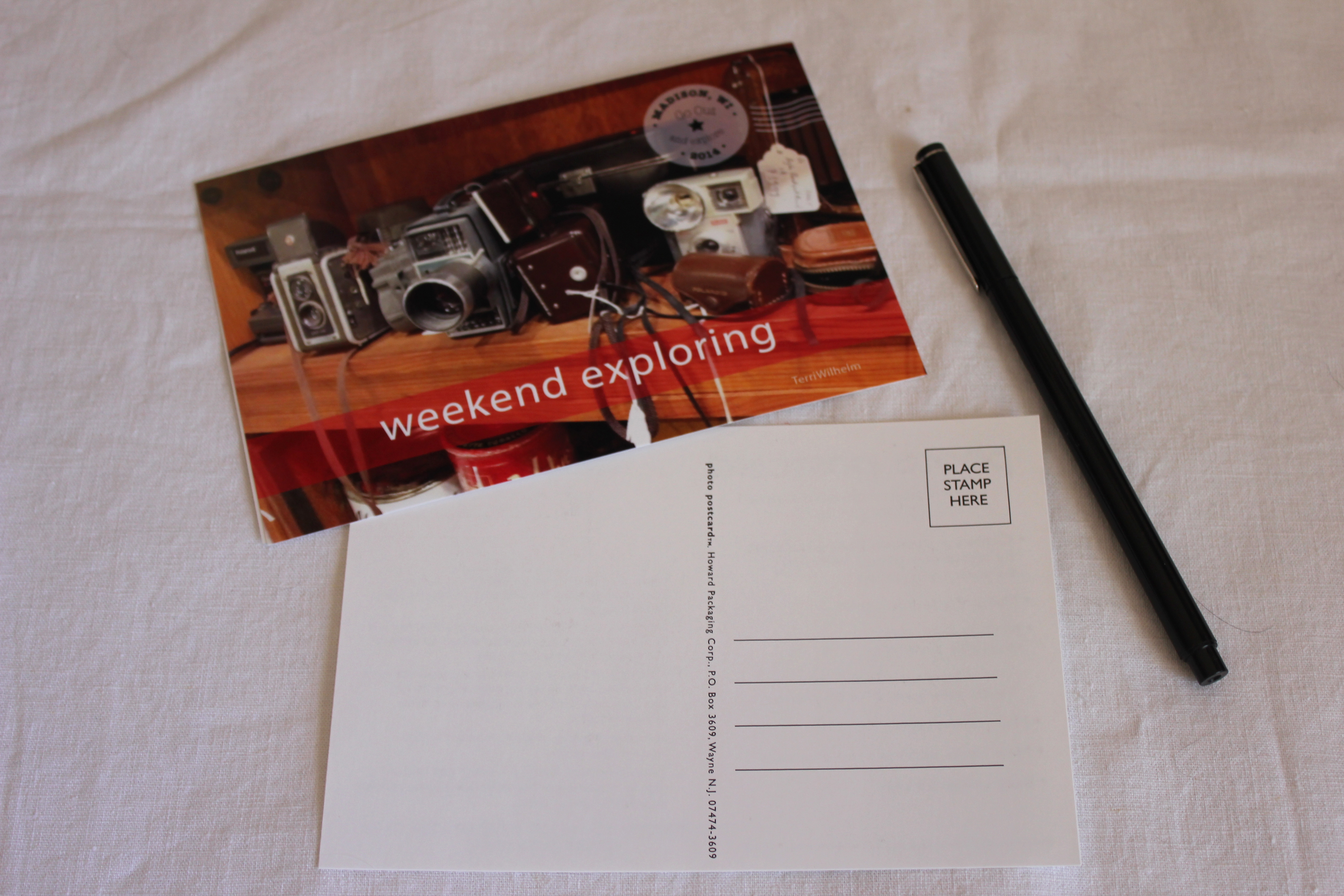
It’s a great excuse for taking more photos and improving my photography skills. I can already tell making my own postcards is going to be addicting!
Terri
Discover more from Terri's Notebook
Subscribe to get the latest posts sent to your email.
This is awesome. I need some of these supplies too. Postcards ARE hard to find!!
I don’t know when postcards started to become extinct. Probably when email and texting got so popular. The adhesive sheets from Amazon work really well to make your own.